

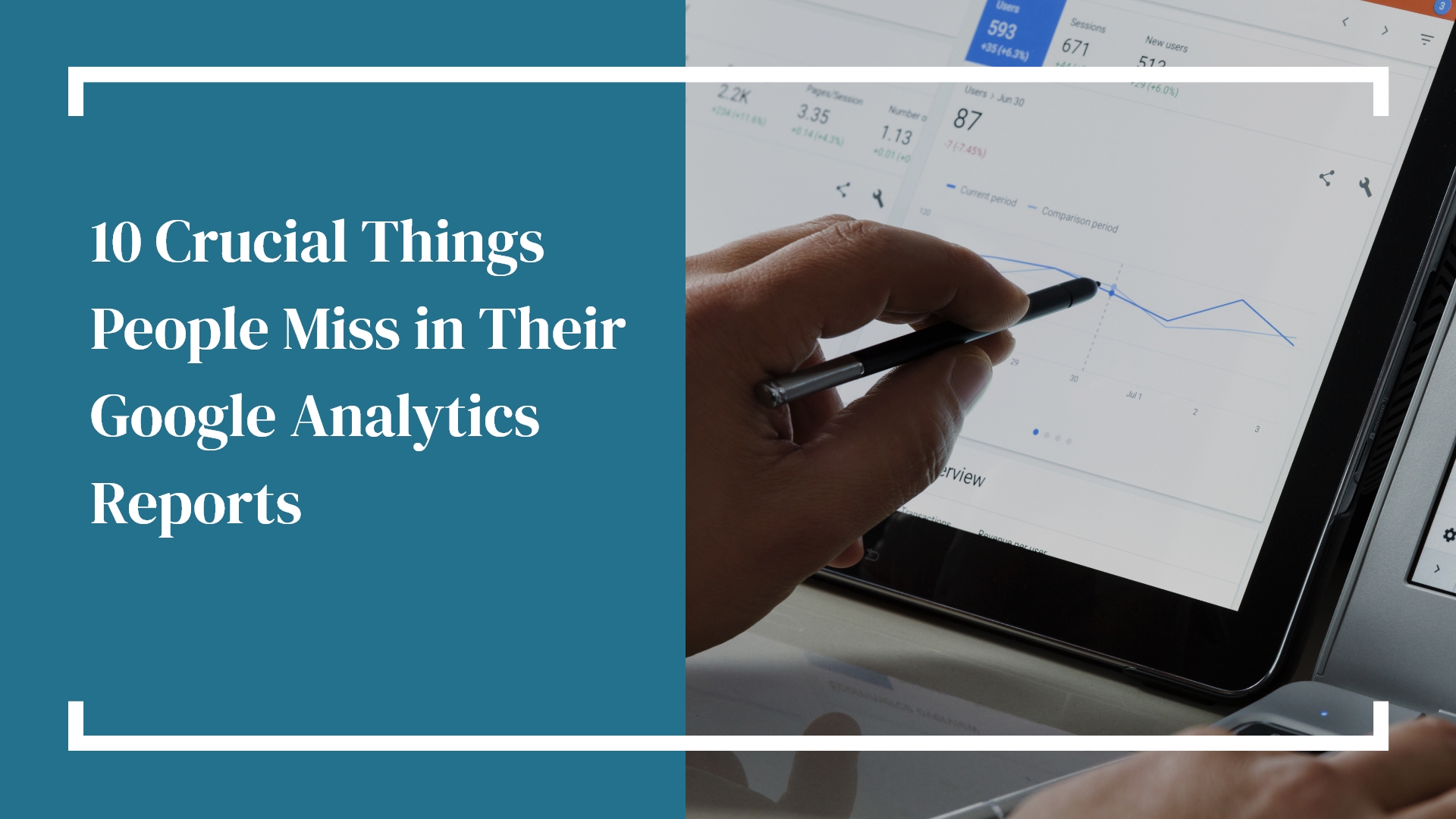
We at Hammersmith Support, believe that every business deserves a website that works hard — not just looks good. One of the best tools to understand how well your site performs is Google Analytics (GA). The challenge? Most people only see the surface. They peek at a few numbers, close the tab, and miss out on the real story hiding behind the data.
Here’s our friendly, jargon-free guide to the 10 crucial things most people overlook in their Google Analytics reports — and what you can learn when you start digging deeper.
1. The Difference Between “Users” and “Sessions”
They sound similar but mean very different things.
- Users = unique people.
- Sessions = visits.
If someone visits your site three times this week, that’s one user, three sessions. Watching how these numbers shift helps you see if you’re bringing in new audiences or re-engaging existing ones.
2. Where Your Traffic Actually Comes From
The “Direct” category can be misleading — it often includes more than just people typing your URL. Dive into Acquisition → Source/Medium to see the real origins of your visitors (like “google / organic” or “facebook.com / referral”).
3. The Bounce Rate Myth
A bounce isn’t always bad. If someone reads your blog post thoroughly and leaves, that’s still engagement! Look at engagement time or scroll depth alongside bounce rate to get the full picture.
4. Pages That Bring People In (and the Ones That Push Them Out)
Use Landing Page and Exit Page reports to see where journeys start and end. If your contact page or pricing page is a major exit point, it’s time to tweak your message or layout.
5. Mobile vs. Desktop Behavior
Check your Device Category breakdown. If mobile conversions lag far behind desktop, your site might need a mobile-friendly tune-up. (Hint: This is one of the first things we check during a site audit.)
6. Conversion Paths: The Real Customer Journey
Customers rarely convert on their first visit. The Multi-Channel Funnels report shows the full path — from organic search to email to paid ads — so you can see which touchpoints really matter.
7. Internal Search Terms
If your website has a search bar, enable Site Search Tracking. The words people type tell you exactly what they’re looking for (and what they can’t find easily). Those searches are pure content gold.
8. Page Load Times
Slow pages = lost opportunities. Visit Behavior → Site Speed to see which pages need optimization. Even a one-second delay can drop conversions by several percent!
9. Engagement by Channel
Go beyond overall engagement. Segment by source: do Facebook visitors stick around as long as Google visitors? Understanding traffic quality helps you invest in the right channels.
10. Goals That Match Your Business
Skip “time on site” goals and track actions that move your business forward — form submissions, signups, or quote requests. If it helps you grow, make sure GA tracks it.
Hammersmith Support can help you decipher your GA..
Google Analytics isn’t just a pile of numbers — it’s a story about your customers. When you start connecting those dots, you’ll see where your website shines, where it stumbles, and where small tweaks can make a big impact.
Any questions? Contact Hammersmith Support, we love helping businesses understand their website data so they can make smarter, data-driven decisions — without getting lost in the weeds.