
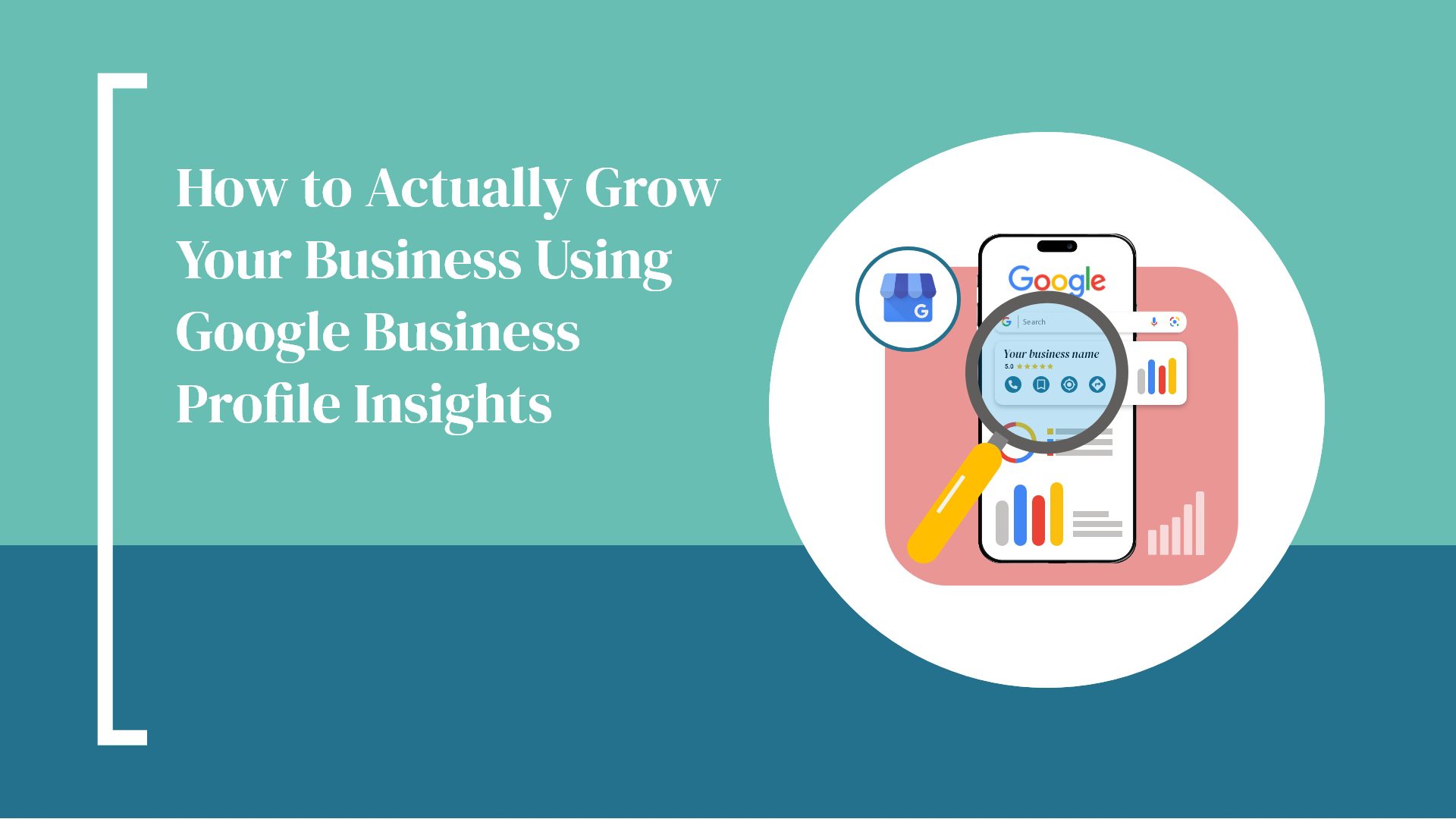
So, you’ve claimed your Google Business Profile (GBP)—awesome! That’s a big first step toward showing up in local search. But here’s the thing: if you’re not checking out your GBP Insights, you’re likely leaving some serious opportunities on the table.
Think of Insights as your business’s behind-the-scenes tour. It tells you how people are finding you, what they’re clicking, and even how close they were to your front door when they searched. And the best part? It’s totally free.
At Hammersmith Support, we help businesses turn data into action—and in this blog, we’ll walk through what these numbers really mean—and how to use them to grow your bottom line.
First off, what is Google Business Profile Insights?
Google Business Profile Insights is Google’s built-in analytics tool that gives you a snapshot of how your business is performing on both Search and Maps. You can find it right inside your Google Business dashboard—no fancy software needed.
It helps you answer questions like:
- How are people finding me?
- What actions are they taking once they do?
- Are my photos getting attention?
- Is my profile actually helping me grow?
It’s valuable stuff—and when used right, it can lead to more traffic, more leads, and more customers.
The 5 Insights You Should Be Looking At (and What To Do with Them)
1. How Are People Finding You?
This breaks down your traffic into three types:
- Direct: People who already know your name or address and searched for you directly.
- Discovery: People who searched for a service you offer (like “web design near me”) and found your business.
- Branded: People who searched for a brand you carry or are affiliated with.
What to do with this:
If you’re seeing mostly direct searches, that’s great—you’ve got solid brand recognition.
But if discovery numbers are low, it might be time to beef up your business description, services list, and keywords so more people can stumble upon you while looking for help.
2. Where Are They Finding You—Search or Maps?
This tells you if people are seeing your profile in:
- Google Search results
- Google Maps
What to do with this:
If Maps is where most of the traffic is coming from, make sure your address, hours, and photos are on point—especially for mobile users.
If it’s Search, your profile description and business categories should be super clear and compelling.
3. What Actions Are They Taking?
Google shows you how people interact with your listing:
- Clicks to your website
- Calls to your business
- Requests for directions
- Messages (if you have that turned on)
What to do with this:
Lots of calls or messages? Make sure you or your team is ready to respond quickly.
Not many website clicks? Update your CTA (Call to Action) on your profile—try something like “Book a Free Consultation” or “See Our Services.”
4. Are Your Photos Getting Any Love?
This part tells you how often your photos are being viewed—and how that stacks up against other businesses like yours.
What to do with this:
Add fresh photos often—of your team, your work, your space. People want to know what to expect.
Tip: Authenticity wins. Real, high-quality photos beat stock photos every time.
5. Where Are People When They Ask for Directions?
This one’s cool: Google actually maps out where people are when they ask for directions to your business.
What to do with this:
If you’re seeing clusters in certain ZIP codes, that’s a golden opportunity to run local promotions or targeted ads.
It can also help you figure out where your next service area should be.
Turning Data into Strategy (aka What to Do with All This Info)
Let’s take it from insight to action:
| What You Notice | What to Try |
|---|---|
| Low discovery traffic | Update your business description, categories, and keywords |
| Lots of photo views | Keep posting new, high-quality images regularly |
| Direction requests from certain ZIPs | Target those areas with local ads or content |
| Lots of calls | Consider adding an FAQ section to your website or GBP |
| Not many website clicks | Improve your profile’s call to action or add a compelling offer |
Extra Tips to Boost Your Profile
Here’s how to get even more out of your Google Business Profile:
- Turn on messaging so customers can reach you directly through search.
- Post updates regularly using Google Posts (think of it like a mini social media feed).
- Respond to every review—yes, even the bad ones (especially the bad ones).
- Keep your hours accurate, especially around holidays and special events.
Want more GBP tips? Check out our other blog:
How to Create an Effective GBP
Quick FAQs
Q: How often is GBP Insights updated?
A: Usually every 24–48 hours. Some metrics show weekly or monthly trends.
Q: Can I download my GBP data?
A: Not directly—but you can take screenshots or use third-party tools like BrightLocal for reports.
Q: Is it really free?
A: 100%! GBP and its Insights are totally free to use.
The Bottom Line: This Isn’t Just Vanity Data
The numbers Google gives you aren’t just for fun—they’re there to help you get more business. From knowing where your leads are coming from to seeing how people engage with your listing, GBP Insights can be one of your most valuable marketing tools—if you use it.
???? Want Help Managing Your Profile?
If keeping up with your listing, photos, reviews, and insights sounds like too much to juggle—we’ve got you.
At Hammersmith Support, we manage Google Business Profiles for clients so they can focus on their business, not their dashboard.
We’ll:
- Optimize your listing
- Track monthly data
- Respond to reviews
- Keep your info current
- And help turn profile views into real leads
Contact us today and let’s get your local presence working for you.